The questions every firm asks before the first call. Answered in advance.
§ 100 AppColl has no public API — so how does this connect at all?
Response: It doesn't need one. AppColl already exports a saved report — your completed tasks for billing, or your 30/60/90-day deadlines for the calendar — as a CSV. DocketBridge reads that report on your machine and posts to Clio. Day one, you export and drop the file in a watched folder; if you'd rather automate it, AppColl can email or SFTP that report on a schedule and the engine picks it up. No API, no plugin, no waiting on a vendor.
§ 101 Does it write back into AppColl, or only read from it?
Response: Read-only on the AppColl side — in the strongest possible sense: DocketBridge never logs into AppColl at all. It only consumes the reports AppColl exports, then writes time entries into Clio. Your docket of record can't be touched by a system that has no way in.
§ 121 Is this only about billing, or does it handle deadlines too?
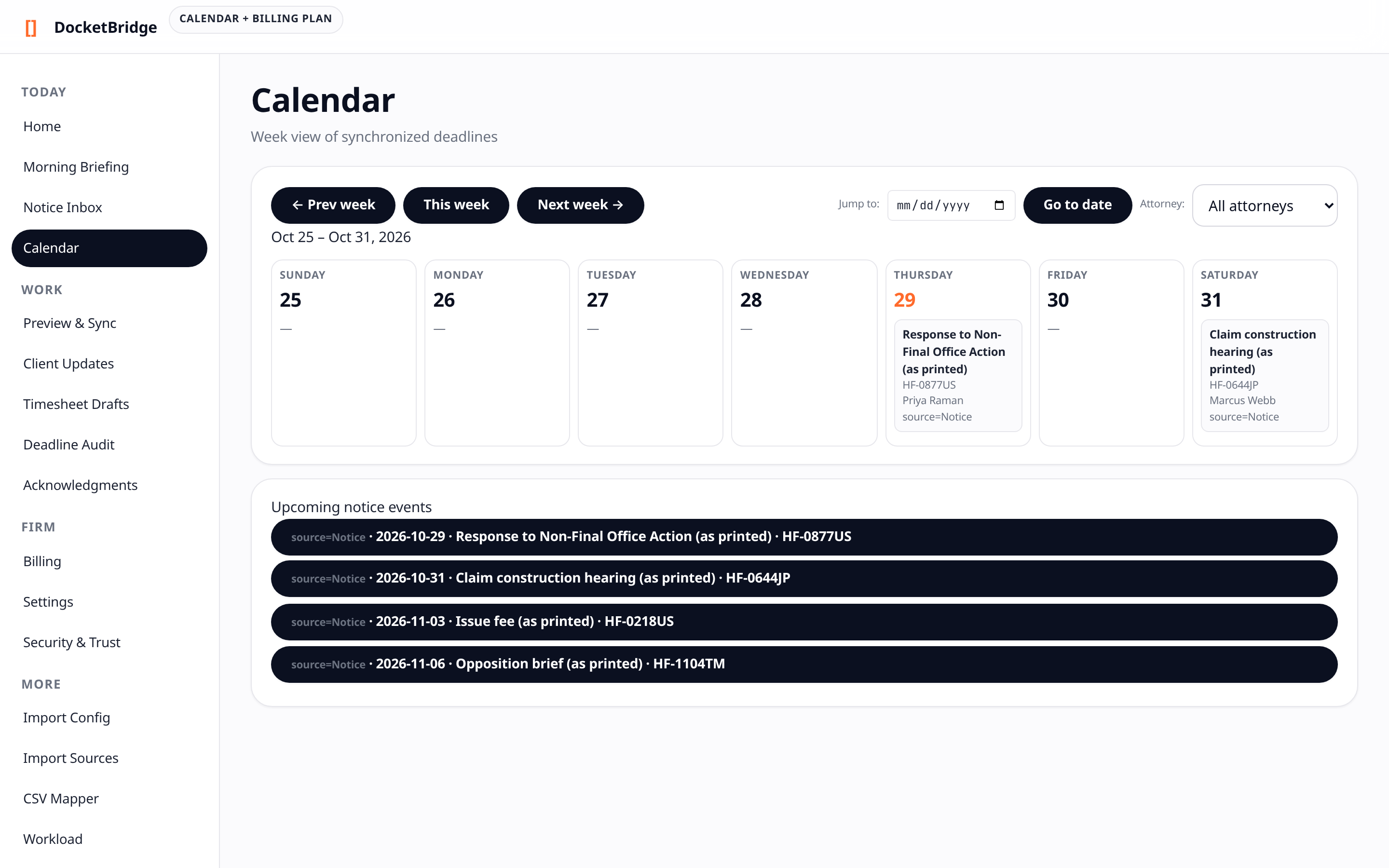
Response: Both. The same local engine has a second job: it mirrors docket deadlines from AppColl into Clio Calendar or Google Calendar, so they surface on every attorney's phone automatically. One-way only — the calendar never writes back to your docket. Walk through it in
FIG. 8.
§ 102 Where does our client data actually live?
Response: On a machine inside your firm. In the default setup you export from AppColl and the engine reads the file locally — nothing client-related transits a third party. If you opt into automated delivery (a scheduled report emailed or SFTP'd in), it travels only over channels your firm already controls. Your Clio credentials are encrypted at rest using the operating system's built-in encryption, never kept in a plaintext config file.
§ 103 What do we need to run it?
Response: A Windows machine that stays on during business hours, your existing AppColl and Clio accounts, and one saved report in AppColl (we build it with you). No API access, no new servers, no IT project. Setup is hands-on with the founder for the first firms.
§ 112 How can you be sure an entry is never billed twice?
Response: Every entry carries an idempotency key checked before anything posts to Clio. If a sync retries — network drop, crash, restart — the key is already on record and the entry is suppressed, then logged. Duplicate billing isn't caught after the fact; it's prevented by design.
§ 132 What if something goes wrong mid-sync?
Response: Failures are logged with their docket source and never silently dropped — the audit trail shows exactly what posted, what was suppressed, and what errored. You reconcile from the log, not from memory.
§ 154 Is this real-time, or batch?
Response: Batch — and honestly so. Entries and deadlines move on each sync, which runs whenever a fresh export lands: you drop a file, or a scheduled report arrives. It isn't instant-on-keystroke; it's reliable by the next run. For docketing deadlines that cadence sits comfortably inside your safety margins, not at the last minute.